
Standard Datasource settings
The Standard Datasource settings control how audit information is collected from the asset. Because the datasource is automatically recognized by Event Manager there is very little in the way of configuration for the system administrator to undertake, as they are prepared to collect all the typical actions from standard assets.
To configure the Standard datasource settings, click the ‘>’ to the left of the named source.
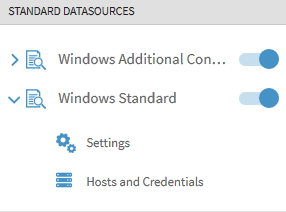
Basic Settings
For most Standard Datasources, these are all handled by the template automatically applied by Event Manager and are not displayed.
Advanced Settings
Advanced Settings allow you to specify further controls around the collection of audit data. The Advanced Settings available are dependent on the datasource being configured. To view the Advanced Setting options click Show Advanced Settings in the applicable DataSource Settings panel.
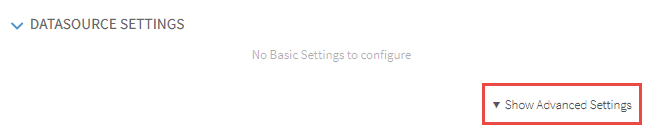
Each of the Advanced Settings are dependent on the datasource being configured. Please refer to the Event Manager Guide to Templates for more information.